
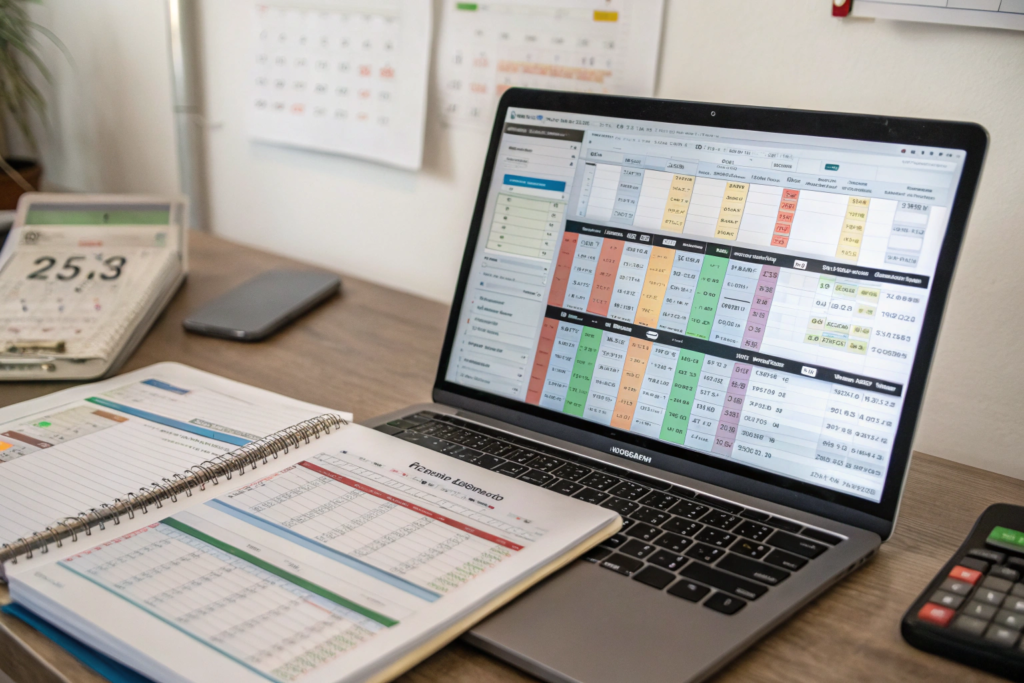
You have a spreadsheet. It started as a simple order tracker. One tab for supplier contacts. One tab for purchase orders. One tab for shipment statuses. Now it has fifteen tabs, conditional formatting rules you no longer remember creating, and formulas that reference cells in other files that your assistant accidentally deleted. You spend your Monday mornings updating tracking numbers, copying ETAs from carrier websites, and reconciling freight invoices against the rates you were quoted six weeks ago. You are not running an import business. You are running a spreadsheet that happens to involve physical products. And that spreadsheet is quietly bleeding cash from your operation.
At GeeseCargo, we replace your fragile, manual spreadsheet system with a unified digital platform that connects your purchase orders, your shipment tracking, your documents, and your freight costs in one place. Our platform pulls live shipment data automatically, organizes your documents by shipment, and gives you a clear financial view of your total landed cost. You stop being a data entry clerk and become an import manager. The hours you reclaim each week go back into growing your business. The errors you eliminate stop costing you money in demurrage, missed discounts, and inventory stock-outs.
The spreadsheet is the most dangerous tool in an importer’s workflow. It feels productive because you are busy. But the busy work is maintenance, not management. Every manual cell update is an opportunity for error. Every file saved on a local hard drive is a single crash away from disaster. I have watched importers lose thousands of dollars because a mistyped ETA caused a stock-out, or because a forgotten free-day deadline triggered a demurrage invoice. Let me show you exactly how spreadsheets fail your business and how our platform fixes each failure point.
How Do Manual Tracking Spreadsheets Cause Costly Errors?
You have a column labeled "ETA." It contains dates you manually typed three weeks ago based on the carrier’s initial schedule. The vessel was delayed by four days due to port congestion. Your spreadsheet does not know that. You order warehouse labor for the original date. The workers show up. The container does not. You pay for idle labor. You reschedule the delivery. You pay a second time. The spreadsheet cost you a thousand dollars in double labor, and you did not even know the delay had happened until the trucker failed to arrive.
Manual tracking spreadsheets are static snapshots of a dynamic system. The moment you type an ETA into a cell, it begins to decay in accuracy. Vessel schedules change, port conditions shift, customs clearances take longer or shorter than expected. A spreadsheet cannot update itself. It relies on you to find the new information and enter it. If you miss an update, your decisions are based on stale data. Stale data produces missed appointments, double handling, unnecessary storage charges, and stock-outs. Our platform pulls live data directly from carrier systems, port terminals, and our GPS trackers. Your ETA is always current, even if you have not looked at it in a week.
Let me walk you through a real-world scenario I have seen play out repeatedly. An importer is tracking five active shipments from three different suppliers. Each shipment is on a different vessel. The importer has a spreadsheet with the vessel names and the original ETAs. One vessel is delayed by three days. The carrier updates the schedule, but the importer does not check the carrier’s website because they are busy processing a new purchase order. The spreadsheet still shows the original ETA. The importer schedules a delivery appointment based on the spreadsheet. The trucker arrives at the port. The container has not been discharged. The trucker charges a dry run fee. The importer pays a second time to rebook the delivery. The delay also pushes the container outside the free-day window, triggering demurrage. The total cost of the stale spreadsheet ETA is $750 in avoidable fees. Multiply that by five shipments, and the spreadsheet is costing thousands per month.
Our platform eliminates this failure mode entirely. The shipment dashboard shows the live ETA, updated automatically from the carrier’s system and refined by our predictive algorithm. If the vessel is delayed, the ETA changes on your screen without you doing anything. You see the new date, you adjust your plans, and you avoid the dry run and the demurrage. You are not a data entry clerk racing to keep a spreadsheet current against a changing world. The platform does that work for you.
What Is the Real Cost of a Single Data Entry Error?
You type "03/15/2026" into the ETA cell. You meant March 15th. The container actually arrives March 10th. You do not schedule delivery until the 15th. The container sits at the terminal for five extra days. Five days of demurrage at $150 per day. A $750 error from a single mistyped digit.
A data entry error in a spreadsheet is not just a typo. It is a financial liability. A mistyped container number means you cannot track the shipment. A mistyped carton count means your warehouse receiving team is not prepared for the right volume. A mistyped free-day deadline means you accidentally incur demurrage. In a spreadsheet, these errors are easy to make and hard to catch. There is no validation. The cell accepts whatever you type. In our platform, the data is pulled from source systems. The container number is validated against the ISO 6346 check digit. The ETA is calculated by an algorithm, not typed by a human. The carton count is verified at our warehouse and uploaded directly. The platform eliminates the keystroke errors that silently accumulate into real costs.
How Do Spreadsheets Fail When Multiple Team Members Are Involved?
You share the spreadsheet with your operations manager. You both make changes. You save a version on your desktop. They save a version on theirs. You now have two different spreadsheets with conflicting information. Neither of you knows which one is correct.
Spreadsheets are single-user tools forced into multi-user workflows. Version conflicts are inevitable. Cloud-based spreadsheets partially solve this, but they introduce their own problems: accidental overwrites, broken formulas, and permission management headaches. Our platform is designed as a multi-user system from the ground up. Your account manager, your operations team, and your warehouse can all access the same shipment data simultaneously. Each user has a role-based view. Your warehouse sees delivery ETAs and carton counts. Your finance team sees freight costs and invoices. Your operations team sees the full shipment status. The data is one source of truth, not multiple conflicting spreadsheet files circulating by email.
How Do Freight Cost Spreadsheets Obscure Your True Landed Cost?
You have a spreadsheet for freight costs. Each row is a shipment. The columns are ocean freight, BAF, CAF, origin handling, customs clearance, duty, and delivery. You manually enter these from invoices that arrive at different times. The ocean freight invoice arrives one week. The customs broker invoice arrives two weeks later. The trucking invoice arrives the week after that. You never have a complete picture of a shipment’s cost until a month after delivery. You are running your pricing and margin decisions on incomplete data.
Our platform captures every freight cost component in one place, in real time. When you book a shipment, the quoted cost is displayed with every line item. As invoices are processed, the actual costs are matched against the quote. You see the full landed cost of a shipment the day it is delivered, not a month later. You can view your cost per unit, your freight cost as a percentage of product cost, and your total landed cost trends over time. You make pricing decisions with complete, current data, not a retrospective guess.
The financial visibility gap created by spreadsheets is one of the most damaging hidden costs in importing. You are pricing your products to your customers based on an estimated landed cost. If the actual freight cost is 15% higher than your estimate, your margin is 15% lower than you think. But you do not discover this until month-end reconciliation, by which point you have already sold hundreds of units at the wrong price. The spreadsheet delay between incurring a cost and recording it creates a blind spot that eats your margin.
Our platform closes this blind spot. When you request a quote, the line-item breakdown is saved. When you book, that quote becomes the planned cost. When invoices are received, they are matched against the planned cost. Variances are flagged. You can see, in real time, whether your actual freight spend is tracking to your budget. You can run a report showing your average cost per unit for the last quarter, filtered by product line or by destination. This data exists in your spreadsheet only after you manually compile it. In our platform, it exists as soon as the shipment is delivered. The speed of financial insight allows you to adjust your pricing, negotiate with suppliers, or change your freight mode before a small margin erosion becomes a large one.

How Do You Compare Quoted Freight Costs Against Actual Invoices?
You received a quote for $3,200. The final invoices total $3,850. You cannot easily identify where the $650 variance came from. Was it a carrier surcharge? A customs exam fee? A higher-than-estimated weight? Your spreadsheet does not tell you because the quote and the invoices are on different tabs.
Our platform links the quote and the actual costs in one view. The original quote line items are displayed alongside the invoiced amounts. A variance column shows the difference for each line item. If the destination terminal handling was quoted at $250 but invoiced at $325, you see that variance highlighted. You can ask your account manager to explain it. The system provides cost transparency that a spreadsheet, with its separate data sources and manual reconciliation, fundamentally cannot deliver.
Can the Platform Help You Forecast Future Freight Budgets?
You are planning next year’s purchasing. You need to estimate your freight budget. You open last year’s spreadsheet. The data is incomplete. Some shipments are missing costs. Others have costs entered in inconsistent ways. You end up guessing.
Our platform stores your complete shipment history with accurate, categorized costs. You can run a report that shows your total freight spend by quarter, by mode, by product line, and by destination. You can see the trend over time. Are your per-unit freight costs increasing? Is a particular lane becoming more expensive? The platform gives you the historical data you need to build a data-driven freight budget. You replace the guesswork based on an incomplete spreadsheet with a forecast based on clean, complete historical records.
How Do Document Spreadsheets Create Compliance and Retrieval Risks?
Your commercial invoices, bills of lading, packing lists, and customs entry summaries are stored in a folder on your computer. The folder is organized by year and month. You need the customs entry for a shipment from March 2024 for a CBP audit. You search the folder. The file is not there. You search your email. You find an attachment, but it is the draft, not the final version. You spend three hours searching for a document that should take ten seconds to retrieve.
Our platform automatically organizes every shipment document and links it to the corresponding shipment record. The commercial invoice, the packing list, the bill of lading, the ISF confirmation, the customs entry summary, and the delivery receipt are all stored in your portal, tagged with the shipment reference number, and downloadable with one click. You never search for a document again. When CBP sends an audit notice, you log into your portal, go to the shipment, and download the complete document package in under a minute. Compliance is no longer a scavenger hunt.
Document management by spreadsheet and folder is a compliance risk. CBP requires importers to retain records for five years from the date of entry. If you cannot produce a requested document, the penalty is not just the cost of the missing document. It is the presumption that the missing document contained unfavorable information. You lose the audit because you could not find the paperwork.
Our platform is your digital document archive. Every document we generate or receive for your shipment is uploaded and linked to the shipment. The documents are stored securely in the cloud with redundant backups. You can access them from any device with an internet connection. You can grant access to your accountant or your compliance consultant. The days of emailing yourself attachments and hoping you filed them correctly are over. The platform imposes structure and retrievability on what, in a spreadsheet-driven workflow, is chaos.
How Does Document Linking Work in the Platform?
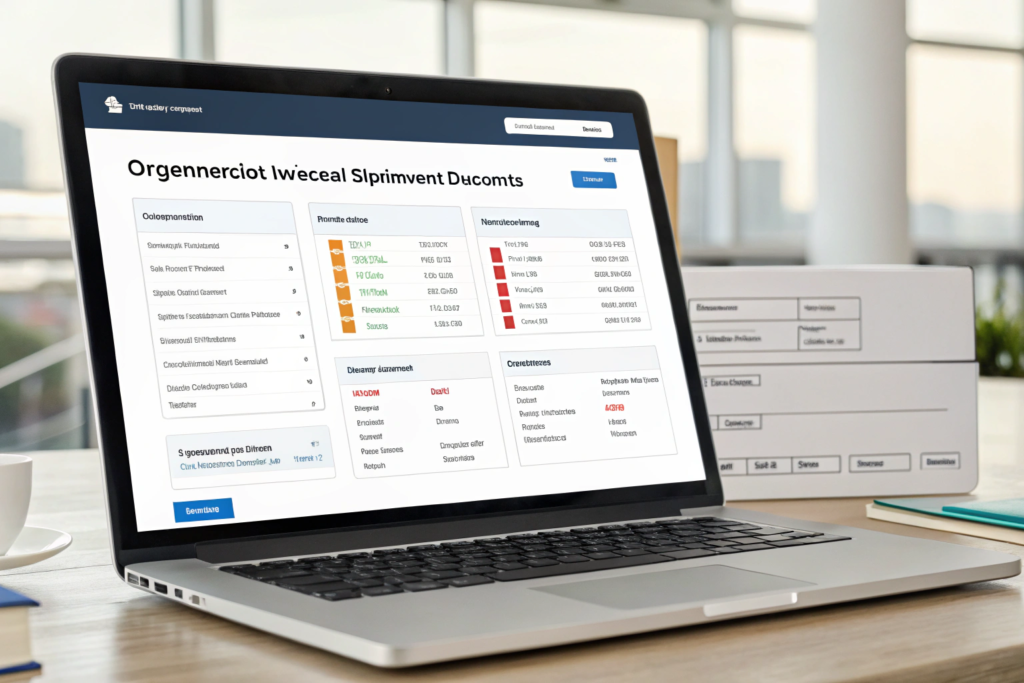
You log into the portal and click on a shipment. You see a "Documents" tab. Inside that tab, you see every document for that shipment, each with a clear label: "Commercial Invoice," "Packing List," "House Bill of Lading," "ISF Confirmation," "CBP Form 7501," "Delivery Receipt." You click any document to view or download it.
The documents are uploaded by our team as they are generated. You do not need to save attachments from emails and organize them yourself. The platform does the filing for you. If you need to send the document package to your bank for a letter of credit negotiation, you can download all documents as a single ZIP file. The platform transforms document management from a time-consuming manual chore into an automated, reliable system.
What Happens If You Need to Prove Import Compliance Years Later?
You receive a CBP Form 28 Request for Information for a shipment imported three years ago. The request asks for the commercial invoice, the packing list, and the entry summary. You have changed computers since then. Your old spreadsheet and file folders are on a backup drive in a drawer.
Our platform retains your documents for the full required retention period and beyond. You log into your portal, navigate to the shipment, and download the requested documents. You respond to the CBP request within an hour. Your compliance record is intact and immediately accessible. This level of document security and retrievability is not a luxury. It is a requirement of responsible importing. Spreadsheets and local file folders do not meet this requirement.
How Does the GeeseCargo Platform Replace the Spreadsheet Workflow Entirely?
You are convinced that spreadsheets are problematic, but you have been using them for years. You are not sure how a platform can replace all the different things your spreadsheets do. You track orders, shipments, costs, and documents. Can one platform really handle all of that?
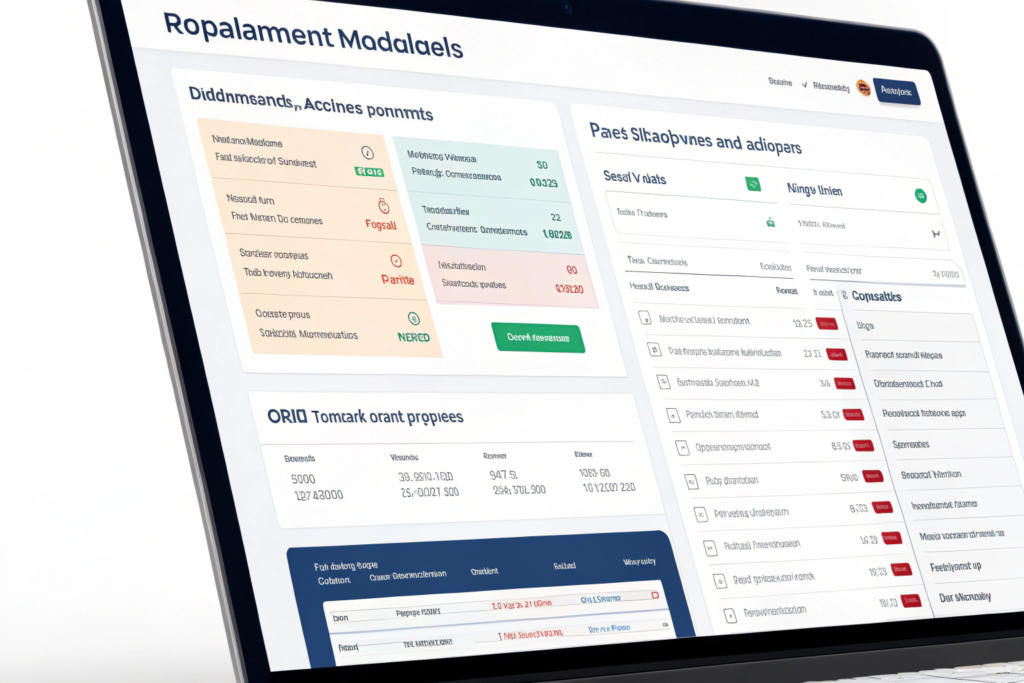
Our platform is designed as a complete replacement for the importer’s spreadsheet workflow. It has four integrated modules. The Shipments module replaces your tracking spreadsheet. It shows every active and past shipment with live status, milestones, and ETAs. The Orders module replaces your purchase order spreadsheet. It tracks your POs from placement to delivery, linking supplier information and order quantities. The Finance module replaces your freight cost spreadsheet. It captures quotes, invoices, and actual costs with line-item detail and variance tracking. The Documents module replaces your file folders. It organizes every document by shipment and makes them instantly retrievable. These four modules share data seamlessly. You do not copy-paste between tabs. The information flows automatically.
The transition from spreadsheets to the platform is a process change, not just a software change. When you ship with us, the data that used to flow into your spreadsheets now flows into the platform automatically. You do not manually enter the vessel name. It appears in your shipment record when we book the container. You do not manually enter the ETA. It updates dynamically from the carrier’s system. You do not manually enter the freight cost. It is captured from the quote and the invoices. You do not manually file the bill of lading. It is uploaded by our team. The platform becomes the single source of truth for your import operations, not because you are disciplined about data entry, but because the data entry is eliminated.
This shift frees you to do the work that actually grows your business. Instead of spending Monday morning updating spreadsheet cells, you spend Monday morning reviewing the platform dashboard. You see that two shipments are on schedule, one has a customs exam, and your average landed cost per unit is down 3% this quarter. You have the information you need to make decisions, and you did not type a single number to get it.
How Does the Order Management Module Connect to Shipments?
You create a purchase order for 2,000 units of SKU-104. You want to track that order from placement to delivery, and you want to see it alongside the shipment that will carry it.
In the Orders module, you create a PO with the supplier name, the SKU, the quantity, the unit price, and the expected ship date. When the goods are ready and we pick them up, you link the PO to the shipment in the platform. You now see the PO status as "In Transit." You see the shipment ETA next to the PO. When the shipment is delivered, the PO status changes to "Delivered." You have end-to-end visibility from purchase order placement to warehouse receipt. This is the workflow that importers try to achieve with multiple spreadsheet tabs and manual cross-referencing. The platform makes it seamless.
Can the Platform Help You Identify Bottlenecks in Your Supply Chain?
You feel like some suppliers are consistently slower than others, but you cannot prove it. Your spreadsheet has delivery dates, but comparing supplier performance requires manual analysis you never have time for.
The platform records the key dates for every shipment: the order date, the factory ready date, the pickup date, the vessel departure date, the arrival date, and the delivery date. The system can generate a report showing the average lead time by supplier, by product line, or by freight mode. You can see, with data, that Supplier A averages 45 days from order to delivery, while Supplier B averages 55 days. You can see that LCL shipments to Dallas take 32 days on average, while FCL shipments take 22 days. These insights are buried in a spreadsheet. They surface automatically in the platform.
Conclusion
Your spreadsheet is not a tool. It is a trap disguised as a tool. It feels like control, but it delivers fragility. It feels like organization, but it delivers version conflicts and data decay. It feels like productivity, but it consumes hours of your week on data entry that should be automated. The cost of this trap is measured in demurrage charges from missed free-day deadlines, dry run fees from stale ETAs, margin erosion from incomplete cost data, and compliance risk from lost documents.
At GeeseCargo, we built our platform to free importers from the spreadsheet trap. The platform is not an add-on to our freight service. It is the central interface through which you manage your entire import operation. It connects your orders, your shipments, your costs, and your documents in one place. It pulls data automatically from carrier systems, terminal systems, and our operational systems. It eliminates the manual data entry that consumes your time and introduces errors. It gives you the real-time visibility and the historical analytics that a spreadsheet can never provide.
You are an importer, not a data entry clerk. You should be making decisions, not updating cells. If you are ready to break up with your import spreadsheets and move to a system that does the work for you, go to GeeseCargo.com and request a demo of our platform. I will show you how it works with real shipment data and walk you through the transition from your current spreadsheet workflow. Your Monday mornings are about to get a lot better.