You can track your container ship in real time by combining the carrier’s official container tracking page using your container number, satellite-based AIS vessel tracking platforms like MarineTraffic or VesselFinder for the ship’s live position on a map, and your freight forwarder’s internal logistics system for the precise milestone updates on customs clearance and last-mile trucking. The container number gives you the cargo status at every handoff point, while the vessel name gives you the ship’s live location, speed, and estimated arrival time.
You do not need to be a logistics expert to know where your goods are. You just need the right identifiers and a simple routine. I will show you exactly which numbers to pull from your documents, which free and paid tools actually work, and how to read the status updates so you can stop guessing and start planning your warehouse receiving schedule with confidence.
Recraft指令–A futuristic 3D digital dashboard displaying real-time global container ship tracking on a stylized world map, a massive cargo vessel glowing with a highlighted route line crossing the ocean, satellite beams connecting to the ship, translucent data panels floating around the vessel showing speed and ETA indicators, clean dark blue and teal interface theme, soft neon glow effects, professional logistics command center atmosphere, no text or labels, no distorted human faces, ultra-realistic water and ship textures.
Which Numbers Do You Need to Track Your Ocean Freight Shipment?
You open the shipping document folder your forwarder sent you. There are PDFs with codes like MBL, HBL, Booking Number, Container Number, and Seal Number. You pick one at random, type it into a tracking website, and get a "Not Found" error. You are using the wrong number on the wrong platform. The tracking system is not broken; you just need to know which identifier works at which stage of the journey and what each one actually tells you about your cargo’s location and status.
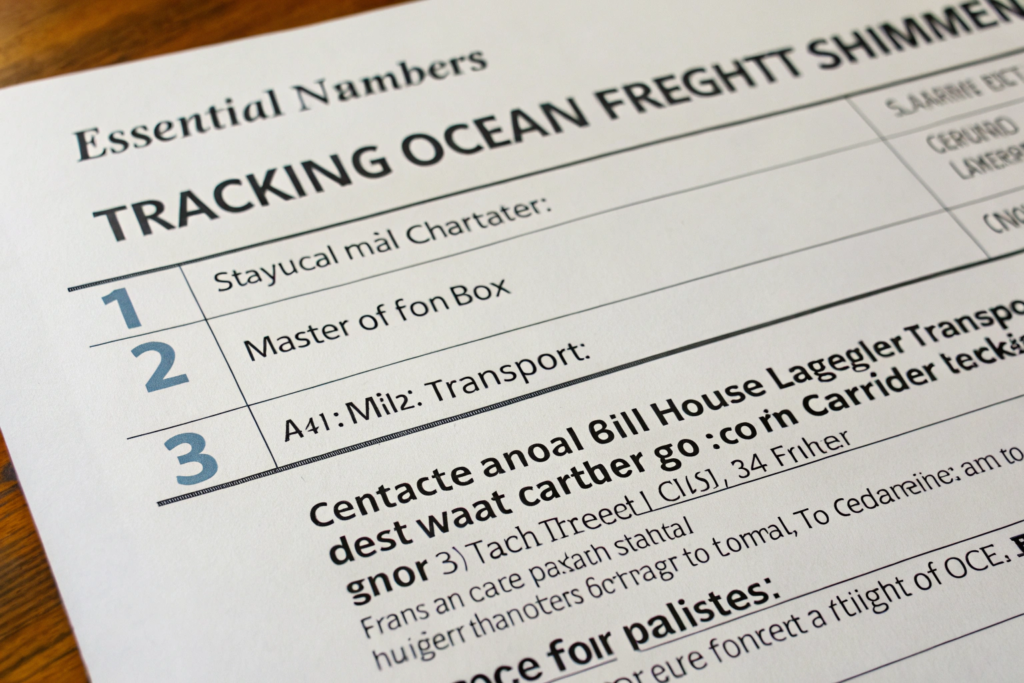
You need three specific numbers to fully track your ocean freight shipment: the container number, an 11-character alpha-numeric code starting with four letters, which tracks the physical box across every mode of transport; the master bill of lading number, which tracks the vessel’s journey on the carrier’s website; and the house bill of lading number, which your freight forwarder uses to give you door-to-door milestone updates including customs clearance and trucking status.
At GeeseCargo, I send every client a "Tracking Starter Sheet" the moment their container is booked. It has these three numbers highlighted in bold, with clear instructions on where to plug each one in. Once you understand the difference between a container number and a bill of lading number, the black hole of ocean transit becomes a transparent, predictable timeline. Let me walk you through exactly what each number unlocks.
What can you learn from your container number on the carrier’s website?
Your container number is the most powerful single tracking tool you have. It is the unique serial number stamped on the physical steel box that holds your goods. The format is always four letters followed by seven digits, for example, MSCU1234567. The four-letter prefix identifies the container owner, usually the ocean carrier like MSC, Maersk, or CMA CGM. The seventh digit is a check digit used to validate the number. You can type this container number into the carrier’s official tracking portal, and it will show you the exact status events the box passes through: "Empty container dispatched to shipper," "Gate in at port of origin full," "Loaded onto vessel," "Discharged at transshipment port," "Discharged at destination port," "Gate out for delivery." Each of these events has a date and time stamp. This is not an estimate; it is a digital log created by the terminal’s OCR cameras and RFID readers. If the status says "Discharged," the box is physically on the ground at that port. You can verify the format and ownership of any container using the official BIC Container Code Registry, which confirms the carrier and the container type. I also teach my clients to set up automatic email or SMS notifications on the carrier’s website for this container number. That way, you get an alert the moment the box is discharged, rather than checking the page manually five times a day.
How does a bill of lading number give you the legal shipment status?
The container number tells you where the box is. The bill of lading number tells you the legal status of your freight contract. The Master Bill of Lading, or MBL, is issued by the ocean carrier to the freight forwarder. You can track the vessel’s official schedule and the cargo receipt status using the MBL number on the carrier’s website. The House Bill of Lading, or HBL, is issued by your freight forwarder directly to you. This is your legal document of title. When your forwarder sends you the HBL tracking link, it often includes the milestones that the carrier’s container tracking misses: "Customs clearance initiated," "Customs released," "Trucker dispatched to port," "Confirmed delivery appointment at your warehouse." The HBL status updates are not automated by port terminals; they are manually updated by your forwarder’s operations team based on their direct communication with the trucker and the customs broker. This makes the HBL tracking more human-dependent but also richer in practical information. You can find a detailed breakdown of how to read and verify these documents on the Bill of Lading Explanation page from the International Trade Administration. I always tell my clients that if there is a conflict between the container number status and the HBL status, trust the container number for the physical location and call your forwarder immediately to reconcile the difference. A discrepancy often means a customs hold that the forwarder has not yet communicated to you.
What Are the Best Free and Paid Container Tracking Platforms?
You have your container number written on a sticky note. You open Google and type "container tracking" into the search bar. You get hit with fifty different websites, half of them asking for a credit card before showing anything useful. You do not know which one actually has live data and which one is just scraping three-day-old port records. The container tracking platform market is fragmented because the data comes from multiple sources: the ocean carriers’ private systems, the port terminal operating systems, and the satellite AIS networks.
The best free tracking platforms are the ocean carrier’s own tracking portal, which gives you the authoritative terminal event log, and the satellite AIS websites like MarineTraffic or VesselFinder, which show the ship’s live position on a map for free with a basic account. The best paid platforms, such as project44, FourKites, or Vizion, aggregate the carrier data with the AIS data into a single dashboard and add predictive AI-driven ETAs, which are essential for large shippers managing hundreds of containers across different carriers.
I use a combination of free tools and one professional paid platform in my daily operations at GeeseCargo. For an individual business owner importing a few containers a month, the free tools are more than enough. You just need to know which combination gives you the complete picture and how to avoid the common mistake of tracking the wrong vessel. Let me break down the exact workflow.
How do free AIS tracking websites show your ship’s live location?
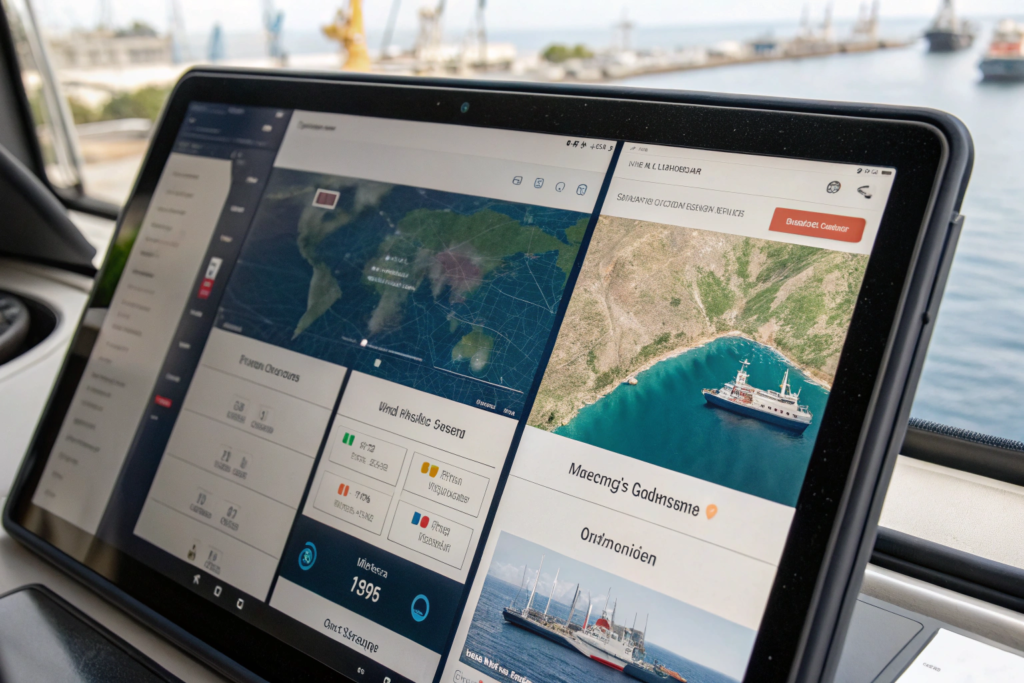
AIS stands for Automatic Identification System. Every large commercial vessel broadcasts a VHF radio signal that includes its unique MMSI number, name, position, course, and speed. Coastal receiving stations and low-earth orbit satellites capture these signals and plot the ship’s icon on a digital map. You can search for your vessel by name on websites like MarineTraffic or VesselFinder and see a real-time map of exactly where the ship is, which direction it is moving, and at what speed in knots. The free version of these sites usually has a delay of a few hours for satellite positions and limits you to a certain number of vessel views per day. But for basic tracking of a single container ship, this is incredibly powerful. You can see if the ship is anchored outside the Port of Long Beach waiting for a berth, or if it is actually steaming at 18 knots across the Pacific. The estimated time of arrival, or ETA, on AIS websites is calculated by the platform based on the ship’s current speed and the direct distance to the port. It does not account for port congestion, pilot boarding delays, or terminal berth availability. You can get a more detailed view of the vessel’s recent port calls and berth schedules by checking the terminal operator’s website directly, such as the Port of Los Angeles Vessel Schedule, which lists the confirmed berthing times. I use the AIS map to reassure my clients with a screenshot of their ship’s position mid-ocean, and I use the terminal schedule to predict the actual discharge date. The two data points together give you the complete picture.
When should you invest in a professional container tracking platform?
The free tools hit their limit when you are managing a complex, multi-carrier supply chain. If you are importing 20 containers a month, each on a different carrier, logging into five different carrier portals and two AIS websites becomes a full-time job. Professional visibility platforms like project44 or FourKites integrate with the APIs of the major ocean carriers and the AIS satellite networks into a single dashboard. You upload your container numbers once, and the platform tracks them all, pushing alerts to your email or Slack when a milestone is delayed. The real value of these paid platforms is not just the aggregation; it is the predictive analytics. They use machine learning models trained on historical transit data to predict your container’s arrival date at the final warehouse, factoring in port congestion patterns, trucker availability, and weather. For an importer of seasonal clothing where a three-day delay means markdowns, this predictive ETA is worth the subscription cost. These platforms also provide a Supply Chain Visibility score that quantifies your logistics performance and helps you benchmark carriers. I use a professional platform for my high-volume clients at GeeseCargo, and I pass the tracking link directly to them so they have the same real-time view that I have. It removes the need for the daily "Where is my stuff?" email. If your business is still small, start with the carrier portal and the free AIS map. When the time you spend tracking containers costs more than the platform subscription fee, make the switch. That is the clear ROI signal.
How Do You Track Shipments When They Are Transshipped Through Intermediate Ports?
Your vessel leaves Shanghai bound for Houston. You are tracking it happily across the Pacific. Suddenly, the ship stops at Busan, South Korea. Your container is discharged from the vessel and your tracking status says "Discharged at Transshipment Port." Then silence. For five days, no new status appears. You panic, thinking your container is lost. It is not lost. It is sitting in a stack in the port of Busan, waiting to be loaded onto a completely different vessel that will carry it the rest of the way. This is transshipment, and it is the most common tracking black hole in ocean freight.
You track a transshipped container by first noting the name of the second vessel, or feeder vessel, from the carrier’s transshipment manifest, then plugging that new vessel name into your AIS tracking tool. The key is to understand that your original vessel name is no longer carrying your cargo after the transshipment port. You must switch to tracking the connecting vessel, and you get that vessel’s name from the container status event log or by asking your freight forwarder for the updated voyage details.
Transshipment is normal, especially on routes that do not have enough direct volume to justify a point-to-point service. But it adds a layer of complexity to your tracking routine. I train my clients to update their tracking spreadsheet the moment the container is discharged at the hub port. Let me show you exactly how to find the new vessel information and how transshipment impacts your delivery timeline.
How do you find the connecting vessel name after a transshipment?
When your container is discharged at a transshipment hub like Singapore, Busan, or Colombo, the carrier’s container tracking page will update with an event: "Discharged at Transshipment Port." You then need to look for a subsequent event that says "Loaded onto Vessel" followed by a new vessel name and voyage number. This is the feeder or mother vessel that will complete the journey to your destination. Sometimes there is a gap of several days between the discharge and the reload event because the container is waiting in the terminal stack. During this gap, your original AIS tracking of the first vessel is useless because that ship has already departed. You need the new vessel name. If the carrier’s portal is slow to update, you can ask your freight forwarder to check the transshipment manifest in their booking system. I can see the planned connecting vessel the moment the original booking is made. At GeeseCargo, I proactively email my clients a "Transshipment Alert" that says, "Your container will transship via Singapore. The connecting vessel is the ‘CMA CGM Gemini’ voyage 0PG5WE. Track this vessel on AIS starting from the estimated relay date." This one email saves a week of anxiety. You can also look up the vessel schedules for the major hub ports on the official port authority websites, such as the Singapore MPA Port Schedule, to see when the connecting vessel is expected to arrive and depart. This public schedule confirms that the vessel exists and gives you a realistic departure window.
Why does transshipment add extra days and risk to your delivery?
Every transshipment adds a minimum of 3-7 days to your total transit time compared to a direct sailing. The first vessel discharges your container at the hub terminal. The container sits in a stack waiting for the connecting vessel. The connecting vessel then loads hundreds of other transshipment containers before departing. If the first vessel is delayed arriving at the hub, the container misses the connection and sits in the stack for another week until the next available vessel on that route. This is called a "missed connection" or "roll-over at transshipment." Your tracking status will show two discharge events at the same port, and you will see a reload event with a third vessel. Each extra handling at a transshipment port also increases the physical risk to your cargo. The container is lifted off the first ship, driven to a temporary stack, then driven back to the second ship. Each lift operation is a chance for a crane mishandling or a seal inspection delay. I always evaluate the Ocean Carrier Transshipment Performance data when I choose a routing for a client. Some hub ports, like Singapore, have extremely efficient transshipment operations with an average connection time of 2 days. Other smaller hubs might have a 7-day average connection time. If you are shipping time-sensitive goods, you should ask your forwarder before booking whether the route is direct or transshipped, and if transshipped, what is the average connection dwell time at that specific hub. A slightly more expensive direct service is often cheaper than a missed sales window.
How Can I Get Automated Alerts and Notifications for My Shipments?
You are running a clothing business, not a logistics command center. You do not have time to refresh five tracking pages every morning. The tracking information exists, but it is scattered across carrier portals, AIS maps, and terminal websites. The solution is automation. You need the tracking system to push the information to you, not the other way around. Setting up automated alerts is the single highest-impact change you can make to your import routine. It turns tracking from a time-consuming chore into a background safety net that only interrupts you when something goes wrong or when a key milestone is reached.
You can get automated alerts for your shipments by setting up container number notifications on the ocean carrier’s official tracking portal, which sends an email when the container is discharged from the vessel, when the gate-out occurs, and when the empty container is returned. You can also set up vessel arrival alerts on AIS platforms like MarineTraffic that email you when the ship crosses a specific geofence, such as the arrival zone outside the port. For a unified view across multiple carriers, a professional visibility platform automatically pushes milestone updates and delay alerts directly to your email or messaging app.
I configure these alerts for every GeeseCargo client during the booking process. It takes me ten minutes, and it saves them dozens of hours of manual checking over the course of a year. The alerts also serve as an early warning system. If you do not receive a "Discharged" alert within 48 hours of the vessel’s arrival, something is wrong, and you can escalate with the forwarder immediately. Let me show you exactly how to set this up and what a good alert workflow looks like.
How do you set up container status alerts on the carrier’s website?
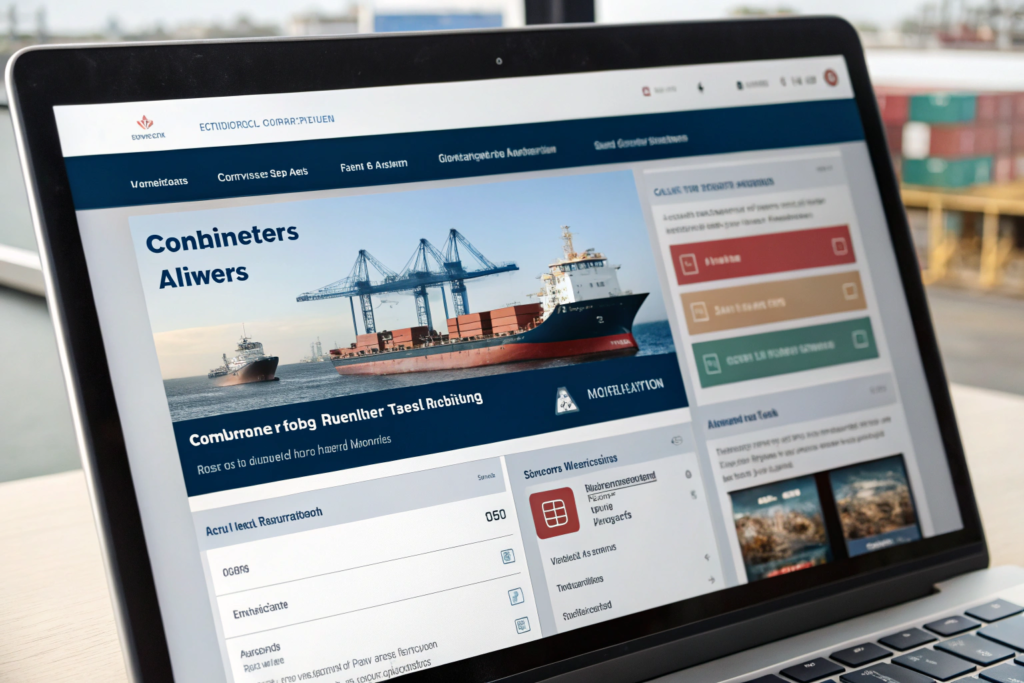
Every major ocean carrier—Maersk, MSC, CMA CGM, Hapag-Lloyd, COSCO—has a free tracking notification feature on their website. You go to the "Track & Trace" page, enter your container number, and look for a button that says "Notify Me," "Subscribe to Updates," or "Set Alert." You enter your email address, and you select the specific events you want to be notified about. The most critical events to subscribe to are: "Loaded onto Vessel" at origin, "Discharged" at destination, "Gate Out" for delivery, and "Customs Hold" if applicable. Do not select every possible event, or you will drown in useless emails like "Booking Confirmed" and "Empty Container Released to Shipper." Focus on the four that tell you the container is moving across the ocean and has cleared the port. You can find the direct tracking portal for any container by using the Container Tracking Gateway which links to the official carrier track and trace pages. I also advise clients to add a secondary email address, such as your warehouse manager or a business partner, so the alerts are not trapped in your inbox during a vacation. The carrier alerts are the most authoritative because they are generated by the terminal operating system when the container physically passes a gate or crane.
What is the best way to get proactive delay alerts from your forwarder?
Carrier alerts tell you what happened. A proactive forwarder alert tells you what will happen and what to do about it. My operations team at GeeseCargo monitors the tracking status of every active shipment every morning. If we see that a vessel has dropped anchor outside the Port of Long Beach and the terminal schedule shows a 3-day berthing delay, I do not wait for the client to see the AIS map and panic. I send a proactive email: "Your vessel, MSC Anna, is currently at anchor outside LA due to port congestion. The estimated berth date is now Thursday. Your warehouse delivery is pushed from Monday to Wednesday of the following week. Please adjust your receiving team’s schedule." This type of alert requires a forwarder who combines the carrier data, the AIS data, and the terminal data into a single intelligent update. You should ask your forwarder during the onboarding process: "What is your process for proactive delay notification? Will you email me or call me when a vessel is delayed?" If the answer is "You can track it yourself," then you have a transactional vendor, not a logistics partner. A valuable tool that supports this proactive workflow is the Port of New York and New Jersey Vessel Schedule or the equivalent for your destination port. I use these official schedules to confirm what the AIS map suggests and to give my client a verified new timeline. The best alert system is not a piece of software; it is a human being who knows your business and alerts you before the delay impacts your sales.
Conclusion
Real-time container tracking is not a mystery reserved for logistics insiders with expensive software. It is a simple three-step routine that any business owner can learn. You start with the right numbers: your container number from the booking confirmation, your bill of lading number from your forwarder, and your vessel name from the carrier’s sailing schedule. You plug the container number into the carrier’s portal for authoritative terminal event tracking, and you search the vessel name on a free AIS map like MarineTraffic to see the ship’s live position and speed on the ocean. When your shipment transships through an intermediate hub, you switch to tracking the connecting vessel, and you expect a few extra days in the overall transit.
The real power move is setting up automated alerts. You configure the carrier’s notification system to email you the moment your container is discharged at the destination port and the moment it gates out for delivery. You combine those automated alerts with a freight forwarder who proactively monitors your shipment and emails you the moment a delay is detected, along with a revised delivery estimate. This transforms tracking from a daily anxiety ritual into a background safety net.
At GeeseCargo, I believe tracking transparency is the foundation of trust. You should never have to wonder where your inventory is. You should have the tools and the partnership to know exactly when your goods will arrive, so you can plan your warehouse labor, your sales campaigns, and your cash flow with precision. The ocean is unpredictable, but your information about your cargo does not have to be.